Import an Admonition
Admonitions allows the import and export of custom admonitions, as configured in the Admonitions Settings.
Obtain an admonitions.json File
PermalinkTo import an Admonition, you need an admonitions .json file.
If you do not already have one, you can find some at both the ObsidianTTRPGShare and TTRPG-CLI repositories.
JSON Format
PermalinkThe file must be a JSON array of admonition definitions. The only required field is "type":
[
    {
        "type": "my-custom-type"
    }
]
When "icon" and "color" are not specified, a random color and the pencil Font Awesome icon will be used. To set them explicitly:
[
    {
        "type": "my-custom-type",
        "icon": "globe",
        "color": "120,120,120"
    }
]
To specify which icon pack the icon name comes from:
[
    {
        "type": "my-custom-type",
        "icon": {
            "name": "globe",
            "type": "fas"
        },
        "color": "120,120,120"
    }
]
Note: The legacy
"type": "font-awesome"value is still accepted on import and will be automatically migrated to the correct pack (fas,far, orfab).
See the JSON Specification for all available fields.
Import Steps
Permalink-
Open the Admonitions settings within Obsidian.
-
Navigate to the option named Import Admonition(s).
Import an Admonition File

-
Select the Choose Files button.
-
Select the
.jsonfile you want to import.
Select an Admonition
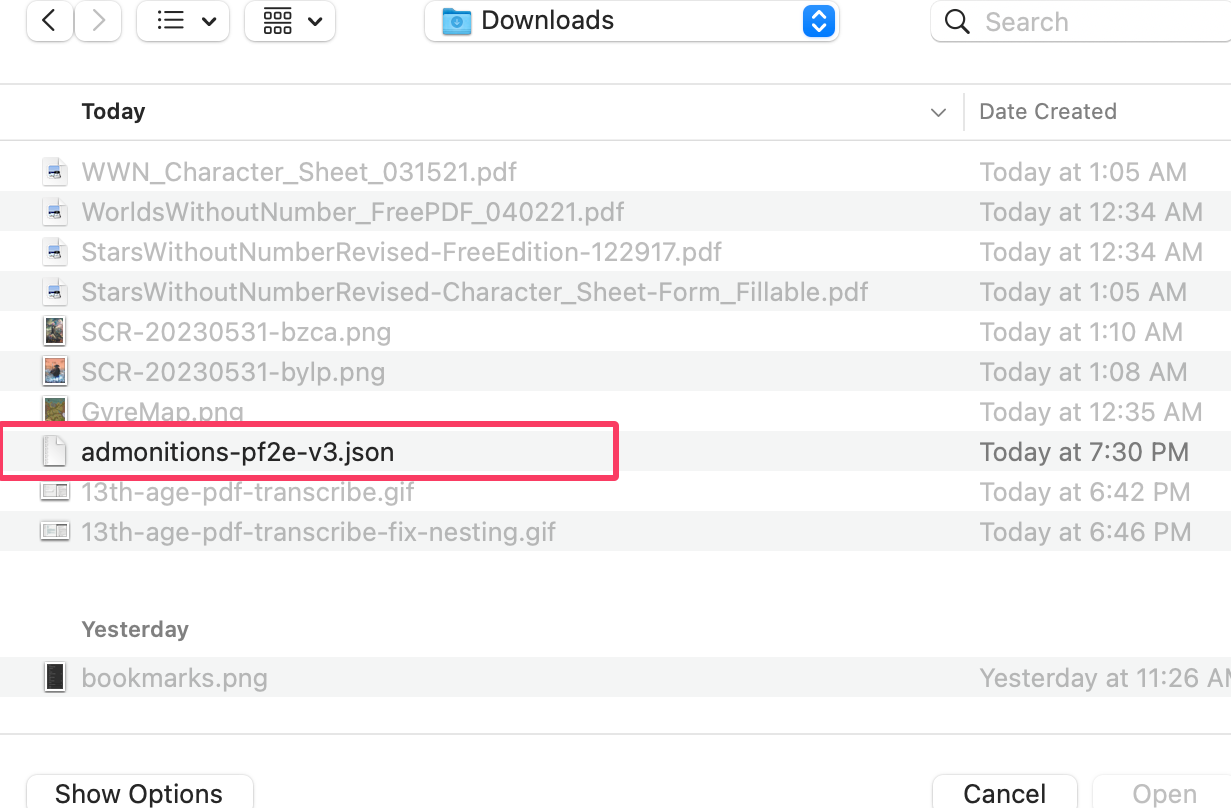
-
Select Open.
-
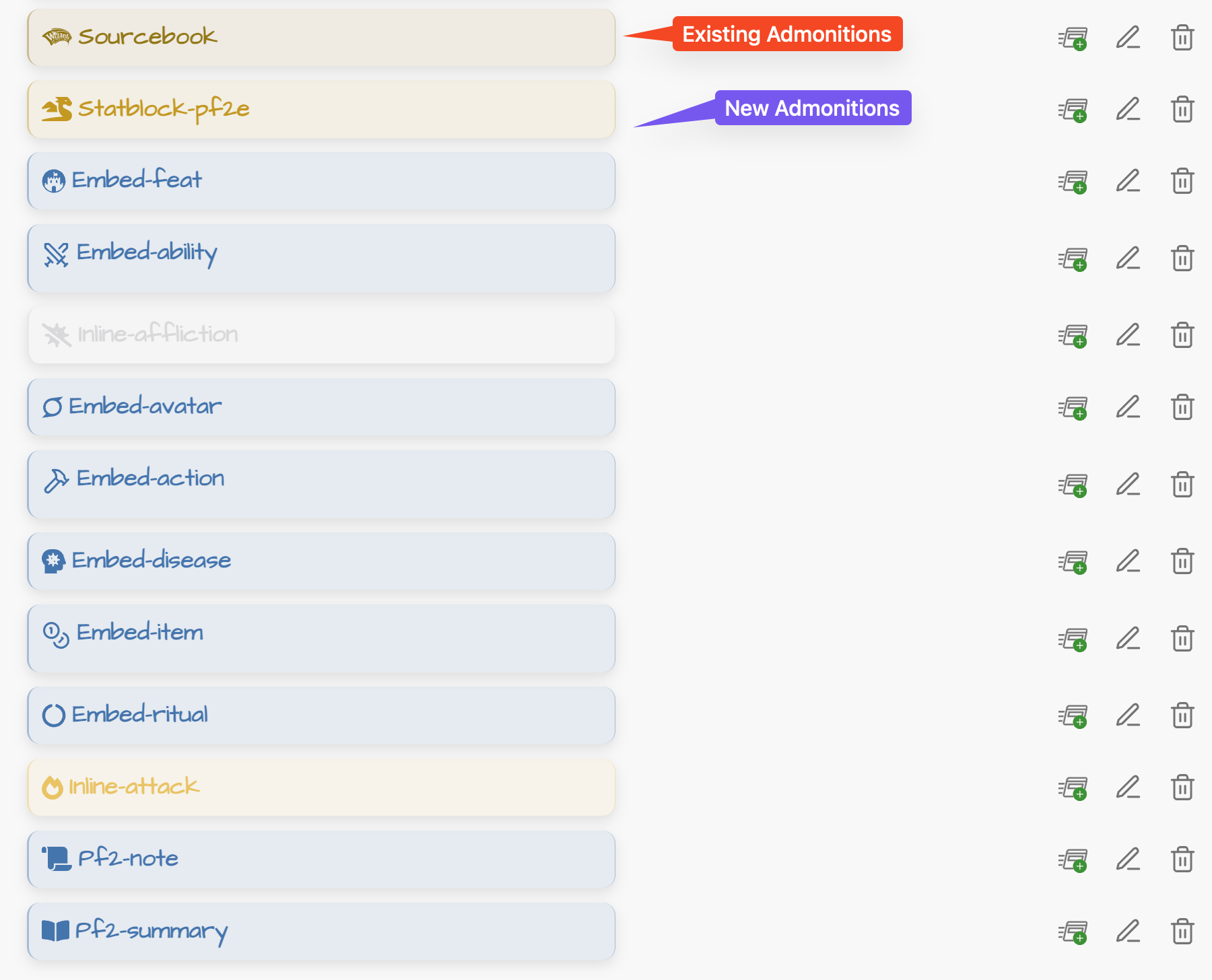
Your admonitions should now be in your Admonitions list and available for use.
List of Admonitions
Some assembly may be required. Some community admonition packs (such as PF2E) rely heavily on custom CSS for their appearance. If imported admonitions look plain or unstyled, check whether the pack includes a CSS file and add it as an Obsidian CSS snippet.